
UPS Setup
1. Setup ups.com username and password.
(skip this step if you already have a ups.com userID and password)
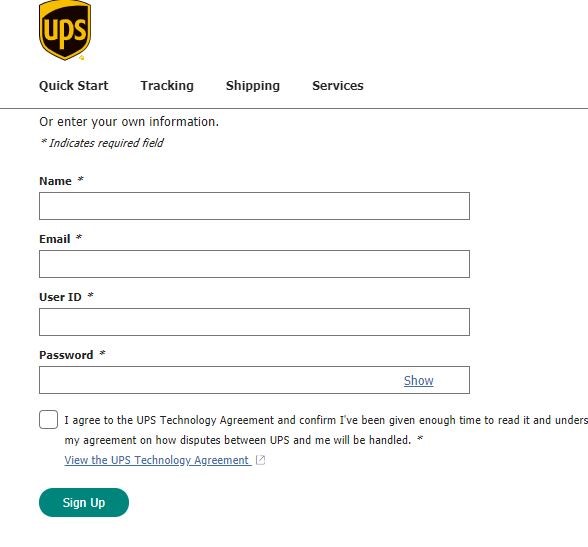
In order to use our UPS integration, a UPS.com username and password is required. If you currently do not have one, please go to www.ups.com and click on the “Sign up / Log in” option on the top menu.

There, look for the option to sign up for a new account and follow the prompts on the screen to setup a new ups.com account.
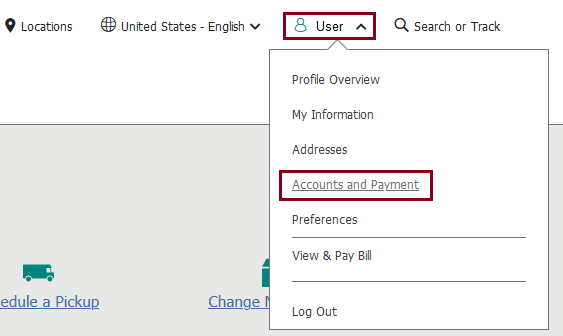
Once the account is setup, log in to the UPS.com website using your UserID and Password. On the top menu click on your username and select “Accounts and Payments”.
Your UPS Account Number has to be added in as the preferred payment method. If it’s not displayed in your payment methods, then please add it in. From the drop-down menu select “Add Existing Account” and click ADD.
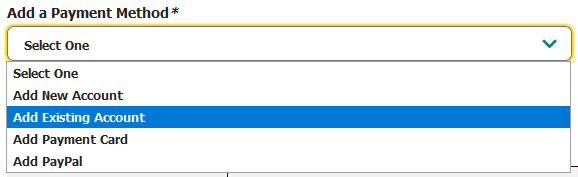
Follow the prompts on the screen to enter in your UPS account number and link it to your UPS.com account.
2. Setup UPS Ready in ShipRite